And I will give you pastors according to mine heart, which shall feed you with knowledge and understanding.
Jeremiah 3:15
The code and the code developers
The program code has a number of characteristics classified as external and internal characteristics.
The external characteristics of the code are related to the quality of the result of the program, the convenience of the user, data security, speed, etc.
The internal characteristics of the code are related to its use by other types of users (programmers, quality assessors, analysts) who are qualified to read and understand it. Is it easy to read, is it easy to understand, is it well structured in separate blocks, are the identifiers spelled correctly…
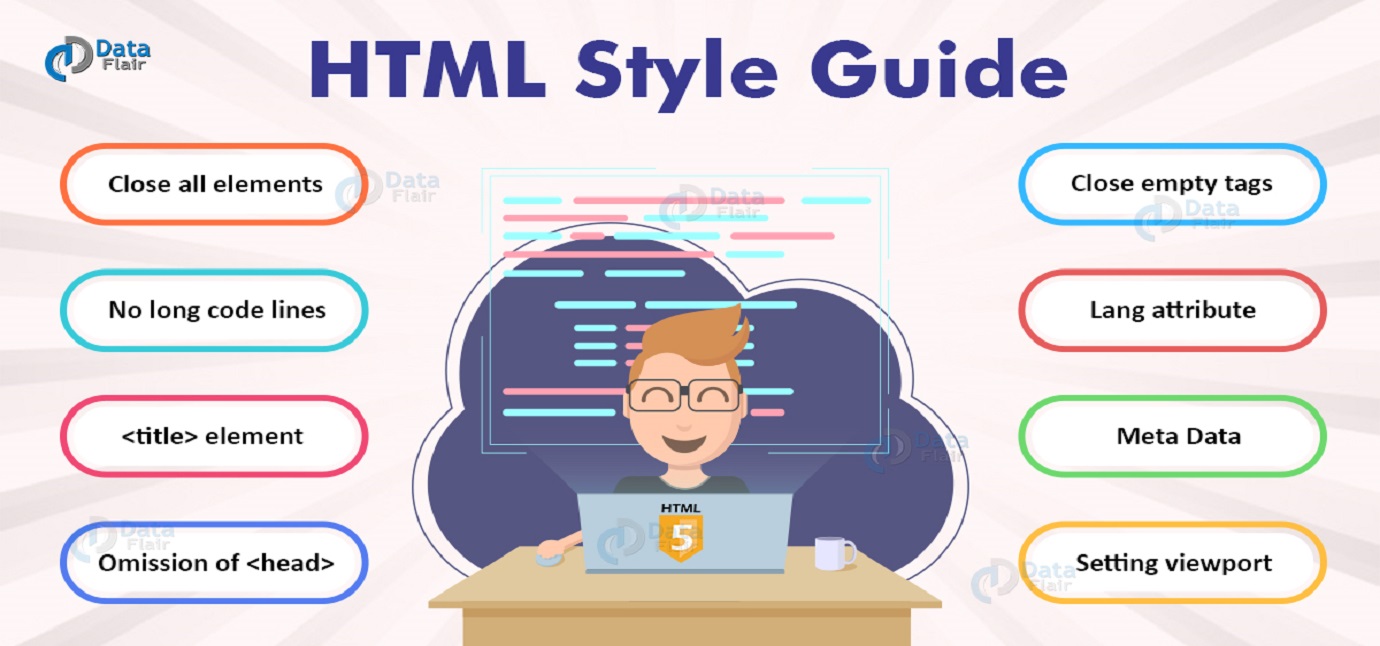
Code conventions in the program code are a set of rules to improve the readability, intelligibility and editing of the code. Conventions are like standards for writing code. A programming language apply at least several conventions in its syntax. In this lecture we will look at the rules for naming identifiers, the rules for building code and the two most popular naming conventions – PascalCase and camelCase.
using System;
public class collisions
{public static void Main()
{int a=Convert.ToInt32(Console.ReadLine());
string n=Console.ReadLine();
string s=Console.ReadLine();
char g=Console.ReadKey().KeyChar;
if (g=='m') Console.Write("Hello Mr. "+n+" "+s+"! Your age is "+a+" years."); else if (g=='f') Console.Write("Hello Mrs. "+n+" "+s+"! Your age is "+a+" years."); else Console.Write("Hello "+n+" "+s+"! Your age is "+a+" years.");}
}
Output:
35
John
Smith
mHello Mr. John Smith! Your age is 35 years.
As you can see from the example, the code works well.
However, whether it is easy to understand? Rather not!
using System;

public class Purity // Class name with capital letter.
{
    public static void Main()
    {
        // Separate part for declarations / definitions.
        string gender = Console.ReadLine();
        string name = Console.ReadLine();
        string surname = Console.ReadLine();
        int age = int.Parse(Console.ReadLine());

        // Separate part for conditional operators.
        if (gender == "m")
        {
            Console.Write("Hello Mr. " + name + " " + surname + "! Your age is " + age + " years.");
        }
        else if (gender == "f")
        {
            Console.Write("Hello Mrs. " + name + " " + surname + "! Your age is " + age + " years.");
        }
        else
        {
            Console.Write("Hello " + name + " " + surname + "! Your age is " + age + " years.");
        }
    }
}
Output:
f
Jane
Doe
34
Hello Mrs. Jane Doe! Your age is 34 years.
It looks better, doesn’t it!
Code complexity
When creating a software project, the initial tasks are the design, architecture and usability of the product.
The design of the code is determined by the use or not of a specific design pattern. There are three types of design patterns.
Creational patterns are designed for class instantiation. They can be either class-creation patterns or object-creational patterns.
Structural patterns are designed with regard to a class’s structure and composition. The main goal of most of these patterns is to increase the functionality of the class(es) involved, without changing much of its composition.
Behavioral patterns are designed depending on how one class communicates with others.
Complexity management starts with the selection of the appropriate design pattern and architecture, in accordance with the requirements of the project. Large projects are architecturally divided into modules, and each module is autonomous in performing a task. The requirement for the modules is to reduce the complexity of the project, to be clearly described with appropriate identifiers and comments, to be built according to the structural rules for the respective programming language. There is an unwritten rule that a module should be up to the size of the screen. Modules are implemented through Classes, Methods, External / Local Functions, etc.
Convenience in the use of the product (as an external feature) is realized by choosing the way of use. For example, whether it will be used via the command line, whether it will offer a graphical user interface, whether it will be used as a software service via a web interface, etc.
Convenience in the use of the product (as an internal feature) is realized through the possibility of reusing the modules. For example, whether the classes are public or private. Whether the methods are also public or private and whether they return a result of their implementation. Whether methods can be rewritten in other classes (Method overriding).
Naming identifiers
Identifiers are the names of Variables, Constants, Interfaces, Classes, Methods, etc. The programmer chooses their names. Of course, they must be clear and understandable.
Identifier requirements:
– Written in English and the name to describe the purpose of the identifier. Names should not be abbreviated.
– Variable starts with a lowercase letter, it can be made up of two or more words.
– Constant is written entirely in capital letters with an underscore between the words.
– Class, Property of a class, the name begins with a capital letter, can be composed of two or more words.
– Method, Function, the name begins with a capital letter, can be composed of two or more words. If it returns a value, the name must describe the return value.
– Interface beginning with a capital letter “I” and can be composed of two or more words.
– Enumeration type, several forms are allowed: [Noun] or [Verb] or [Adjective]. Their names are singular or plural. The same style must be followed for all members of the enumerated type.
– Attribute, must have the ending Attribute.
– Exception to end with Exception.
– Delegate must have the suffix Delegate or EventHandler.
Code structure
Structuring the code along with naming aims to improve readability and comprehensibility. Each programming language has its own rules for structuring.
Simple solution of C++ program to demonstrate code structure
#include <iostream>

int main() {
    std::cout << "Hello World!";
    return 0;
}
Simple solution of C# program to demonstrate code structure
using System;

namespace HelloWorld
{
    class Greeting {
        static void Main(string[] args)
        {
            Console.WriteLine("Hello World!");
        }
    }
}
Simple solution of HTML program to demonstrate code structure
<!DOCTYPE HTML>
<html>
  <head>
    <title>Hello World!</title>
  </head>
  <body>
    <p>Hello World!</p>
  </body>
</html>
Simple solution of JavaScript program to demonstrate code structure
var width = 2;
var height = 5;
var perimeter = (2 * width) + (2 * height);
document.getElementById("perimeter").innerHTML = "Perimeter " + perimeter + " millimeters.";

function calculateArea(width, height) {
  var area = width * height;
  return area;
}
document.getElementById("area").innerHTML = "Area " + calculateArea(width, height) + " square millimeters.";
The blocks are enclosed in curly braces {} and for Functions / Methods in C and C ++ the opening bracket is on the same line with the name, while in C # on a separate line separately.
Between expressions enclosed in parentheses () and operators for condition, loop, there is an interval.
There should be a space between identifier, literal, expression and sign / characters for assignment / comparison.
bool square; // The default value of the bool type is false.
int width = 5;
int length = int.Parse(Console.ReadLine()); // User input.
if (width == length) square = true;
int area = length * width;
if (square)
{
return area;
}
else return 0;
The input parameters of Function / Method must be written with the type name and the identifier name, separated by commas and spaces.
public int CalculateArea(int length, int width)
{
// Put code here.
}
When creating Classes, it is recommended to follow the rules:
– The access modifier (public, internal, protected, private) is placed first, followed by the keyword class and the name of the class with a capital letter.
– In the second place are the Class Constants with the access modifiers, the type and the name of the constant in capital letters.
– In third place are the dynamic properties.
– In fourth place are the Constructors.
– In fifth place are the static properties.
– In sixth place are the Methods.
A class may not have all of these elements. Then the sequence is rearranged.
Transfer and alignment rules
When a row is long, divide it into two or more rows, shifting the rows after the first one to the right with one tab:
int[] myArray = Console.ReadLine()
.Split(‘, ‘)
.Select(int.Parse)
.ToArray();
Console.WriteLine(
“My array element ‘{0}’ has ‘{1}’ key value”,
iterator,
myArray[0]);
Software development environments offer a wide range of tools to help the programmer. Perhaps the most basic is the support for coloring the code. For example, distinguishing operators from identifiers by a different color.
The Visual Studio development environment offers the ability to automatically arrange code using the [ctrl + k + d] keys. The Visual Studio 2022 version has also added the ability to predict and complete expressions using CoPilot – Your AI pair programmer.
Naming conventions
PascalCase (UpperCamelCase or DromedaryCase)
In honor of the French mathematician and philosopher Blaise Pascal and according to the outline of the profile of the two-humped camel.
Used when naming Interfaces, Classes, Class Properties, Methods, Local Functions. Тhe first letter must be upper case and every other word must start with upper case. It allows one letter word concatenated to others in the identificators name.
Classes in programming languages describe the characteristics of objects in the world or imaginary objects. Class names must contain a noun and / or one or more adjectives before it. For example, if we have a class that creates geometric shape objects, an appropriate name would be Shapes or PlaneShapes. Respectively for its Methods appropriate names will be CalculateAreaRectangle, CalculateAreaSquare, CalculateAreaCircle, etc.
This way of naming identifiers is called PascalCase – the first letter of each word in the name is uppercase and the others are lowercase.
camelCase
According to the outline of the profile of the one-humped camel.
The variables, dynamic properties and arguments of the Functions / Methods must consist of: [Noun] or [Adjective] + [Noun]. The first word of the name is lowercase and the others are uppercase. This naming is called camelCase.
interface IShapeInterface
{
    void CreateShapeMethod(int width, int length);
}

class ImplementationRectangle : IShapeInterface
{
    // Constants initialization.
    const int SIDES = 4;

    // Dynamic properties initialization.
    public int width = 0;
    public int length = 0;

    // Explicit interface member implementation:
    void IShapeInterface.CreateShapeMethod(int width, int length)
    {
        // Method Rectangle implementation.
    }

    static void Main()
    {
        // Declare an interface instance.
        IShapeInterface objectRectangle = new ImplementationRectangle();

        // Call the member.
        objectRectangle.CreateShapeMethod();
    }
}
Notes to Remember
- Code conventions in the program code are a set of rules to improve the readability, intelligibility and editing of the code.
- Convenience in the use of the software product (as an internal feature) is realized through the possibility of reusing the modules.
- PascalCase is used for naming of Interfaces, Classes, Methods, Functions, Class Properties.
- camelCase is used for naming Variables and dynamic properties of Classes.
- Every program language use own naming conventions.
Recommended References for this Lecture

Comments